 3D Printers
 Filaments
Introduction
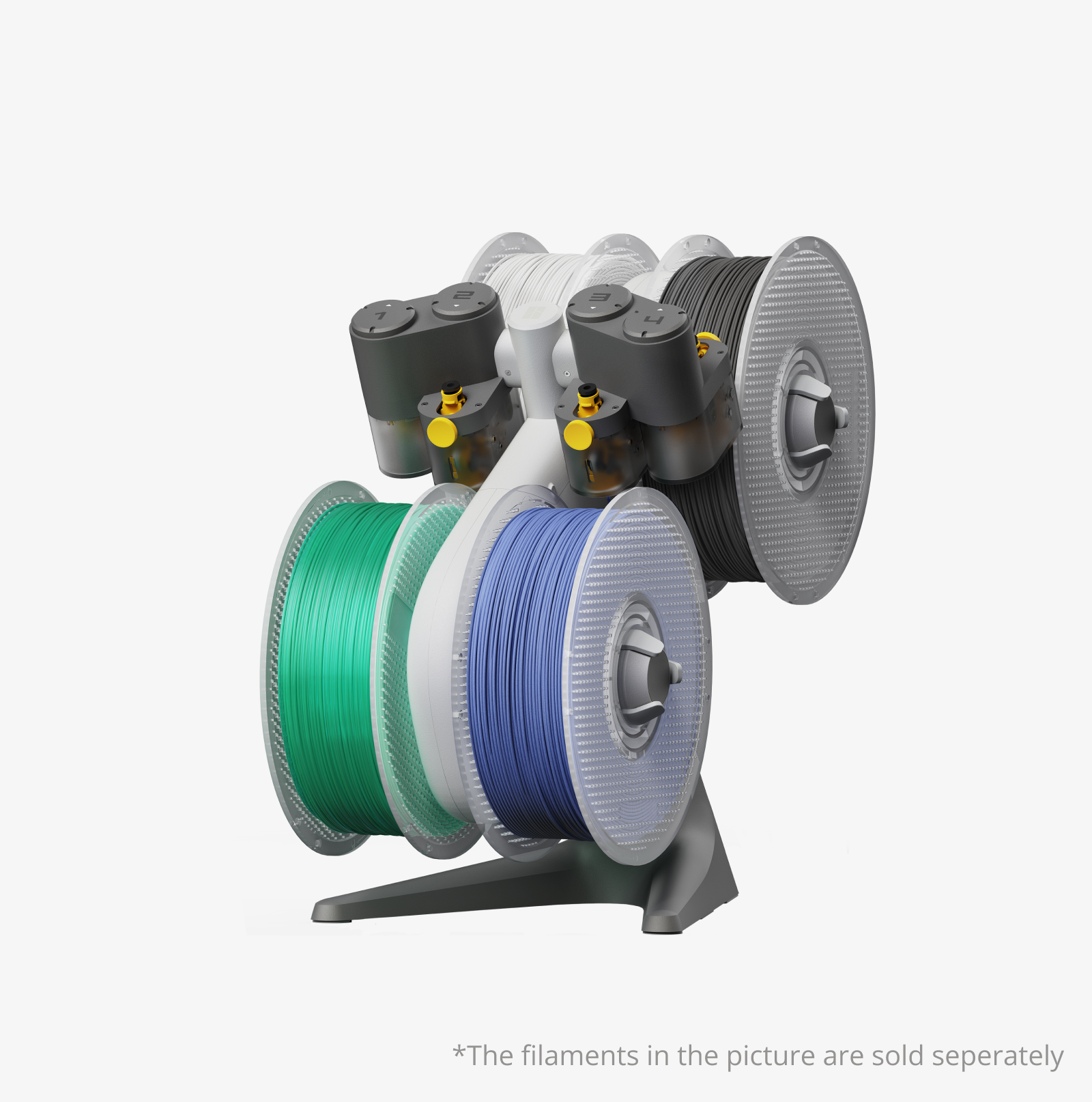
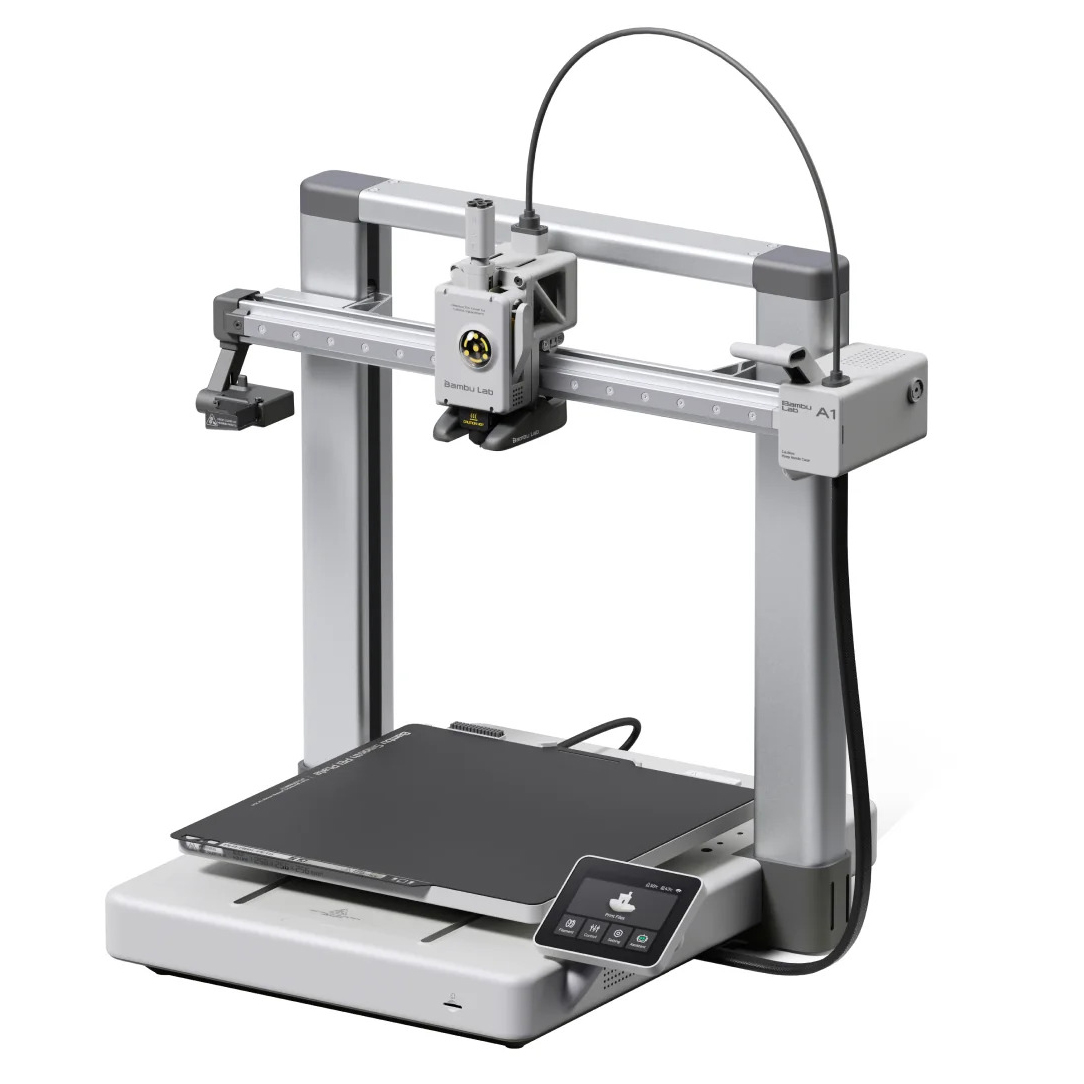
The A1 is a desktop FDM 3D printer by Bambu Lab (a Chinese company founded in 2020 in Shenzhen) that offers auto-calibration, high speed, and an optional multi-filament system (AMS Lite) for up to 4-color printing.
Typical build volume: 256 × 256 × 256 mm (for the full A1) or smaller for “Mini” version, but for our purposes we’ll assume the full A1.
With solid engineering specs (metal rails, nozzle sensors, good motion control), it’s well suited for someone who enjoys engineering projects rather than just casual
Chinese (Domestic) vs Global Version – Key Differences
What appears the same
The core mechanics: rails, extruder, build volume etc are essentially the same for both versions (assuming you get the same model).
Print quality: Users report that the Chinese version prints just as well, given the same hardware. The difference is not primarily in the print output.
For example: one user says for their H2D model (another Bambu model) “TL;DR: there is almost no difference, and if you get it at a discount, just take the China-locked one.”
Price: Chinese domestic versions are often cheaper in China. For example, a user noted that Chinese version could be ~15% cheaper than the global version. crucial caveats
Here are the major risk / difference factors:
Region Locking / Cloud & Network Features
Chinese domestic versions are often region locked to Mainland China. That means certain cloud features, app registration, firmware updates, and network connectivity might only work under Chinese region (Chinese account, Chinese mobile number, Chinese servers).
Example: A user bought a Chinese version of A1 abroad and wrote:
“I bought a Chinese version of A1 when I was in China. When I came home, I was not able to connect my phone to the A1 for controlling the A1 … After a lot of hassle … still able to connect by LAN only.”
On the forums:
“I heard the Bambu Lab printers (China/ Domestic Version) is region locked … I just got my A1 online from China … it is not network locked in any way.” (i.e., varied experience)
So, while some units might behave “fine” in LAN mode, features like remote monitoring, mobile app control, cloud print history may be restricted or require Chinese mobile number/account.
Firmware / Support / Warranty
If you buy a Chinese version in a non-China region, you may face difficulties in support, firmware upgrades, or warranty service.
A user wrote:
“I do not think I would ever buy a China-locked printer … rather than take the chance that I would end up with an expensive paperweight.”
Because manufacturing batches, regional variants, packaging and certification (CE, UL) may differ, your local support may be limited for Chinese versions.
Software / App Differences
The Chinese version uses the Chinese “Handy” app (or local version) with a Chinese mobile-phone account; the global version uses the international version of the app (email login etc).
Access to print communities, firmware updates, cloud features may differ between versions.
Some features (e.g., remote start/stop via app, cloud queue, print history) may not function or may require workarounds when using a China version outside China.
Resale / Import / Shipping Issues
If you import from China the Chinese version, you may have to bear customs/import duties, shipping delays, and verify that the unit is actually the correct (global) version.
There are reports of sellers mis-labelling “China version” as “global” but the region lock remains. For example:
“I bought my A1 via Hong Kong courier, all my printers are not locked … but many others report locked units.”

Which One Should You Choose
If you get the Global version
Pros:
- Full features: cloud connectivity, remote monitoring, mobile app functioning out of the box.
- Firmware updates, support, warranty likely smoother for your region.
- Peace of mind: you won’t have to deal with region lock, account workarounds, etc.
Cons: - Higher cost.
- May need to verify shipping/import from your region (Bangladesh) and ensure local plug voltage, service.
If you consider the Chinese (domestic) version
Pros:
- Lower cost (if you can import it feasibly).
- Essentially same hardware and print quality — for the mechanical/printing part, it may be “nearly identical”.
Cons (Important): - Possible region lock: you might lose certain features (app, cloud, updates).
- Support/warranty: might be limited or complicated in your country.
- You might have to work around issues (VPN, Chinese phone number, etc) which goes against your preference for simplicity and no unnecessary hassle.
- If things go wrong, you may be stuck.
My recommendation for you (since you value simplicity and minimal hassle)
Given your stated preferences (you like engineering, but you dislike unnecessary complications), I suggest go with the Global version — because the handful of extra features and the smoother support path are likely worth the extra cost for you. The MECHANICAL/PRINTING side will be great in either version, but the SYSTEM side (software, cloud, updates) matters for long-term reliability and fewer headaches.
If budget is extremely important and you are comfortable tolerating some software workaround and possibly limited support, then you might go with the Chinese version — but only if you’re confident you are getting a unit that isn’t region locked or you’re okay with LAN-only mode (i.e., printing via SD or direct connection, without the cloud/app features).
Final Verdict
- Hardware/print-quality wise: Chinese vs Global version – largely equivalent (for the printing part).
- Software/support/features wise: Global version has a clear advantage (cloud/app, easier warranty/support, fewer risks) if you’re outside China.
- Given your preferences (simplicity, low hassle, engineering focus) → Go for the Global version unless you have a strong reason (very discounted Chinese version + you are comfortable with risk/workarounds).
- Watch out for region lock, support limitations, firmware updates when buying Chinese version.